

Community apps are transforming how local groups connect and manage events. Studies show community apps increase event attendance by 35% through features like push notifications and real-time messaging. Modern no-code platforms now let anyone build these powerful tools without writing a single line of code. This guide explains what community apps are, how no-code platforms simplify their creation, and practical ways to leverage them for stronger local engagement and seamless event management.
Table of Contents
- Understanding Community Apps And Their Core Functions
- How No-Code Platforms Empower Community App Creation
- Applying Community Apps In Event Management And Social Engagement
- Common Misconceptions About Community Apps And No-Code Platforms
- Comparative Frameworks For Evaluating Community App Tools
- Building Community Apps Using No-Code: Step-By-Step Guide
- Explore No-Code Community App Building With Cadabra
- Frequently Asked Questions
Key takeaways
| Point | Details |
|---|---|
| Community apps definition | Digital platforms connecting local groups through messaging, event RSVPs, social feeds, and notifications for enhanced engagement. |
| No-code platforms role | Visual drag-and-drop interfaces and AI assistance eliminate coding barriers, reducing build time by up to 80% and costs by up to 70%. |
| Event management benefits | Real-time messaging and push notifications boost event turnout by 35% on average while strengthening social connections. |
| Common misconceptions | Security concerns are unfounded as platforms include robust compliance features, and customization options rival traditional development. |
| Platform comparison | Cadabra.tv offers AI-powered prompts and direct app store publishing, while Bubble provides deep customization and Glide enables rapid prototyping. |
Understanding community apps and their core functions
Community apps serve as digital hubs where local groups interact, share updates, and organize activities. These platforms streamline communication and event coordination for neighborhoods, hobbyist clubs, business associations, and special interest groups. Unlike generic social media, community apps focus on specific geographic areas or shared interests, creating stronger bonds among members.
Core functions typically include direct messaging between members, event RSVP systems, community-wide announcement feeds, and push notifications for time-sensitive updates. Many also feature photo sharing galleries, discussion forums, member directories, and location-based services. These tools replace scattered communication channels like email chains, text groups, and paper flyers with one unified platform.
Small businesses use community apps to build deeper relationships with local customers and boost participation in events like product launches or workshops. A neighborhood bookstore might use an app to announce author readings, manage RSVPs, and send reminders, creating a sense of belonging that keeps customers coming back. The beauty is that no technical knowledge is required to benefit from these platforms.
Key features that make community apps effective:
- Real-time messaging for instant member communication
- Event calendars with automated RSVP tracking
- Push notifications to ensure members never miss important updates
- Social feeds for sharing photos, updates, and discussions
- Member profiles to facilitate connections and networking
How no-code platforms empower community app creation
No-code platforms eliminate traditional development barriers through visual interfaces and intelligent automation. Instead of writing complex programming languages, users drag and drop elements like buttons, forms, and menus onto a canvas. AI assistance reduces build time by up to 80% by generating layouts from simple text descriptions and suggesting optimal feature configurations.

These platforms democratize app creation for individuals and small businesses with limited budgets or technical staff. Where custom development might cost $50,000 and take six months, no-code solutions can deliver similar functionality for under $100 monthly with launch timelines measured in weeks. This accessibility means community organizers can experiment, iterate, and scale without massive upfront investment.
Platforms like Cadabra use AI-powered text prompts, allowing users to describe their vision in plain language. The system then generates app structures, suggests features, and even creates design elements automatically. This approach is particularly powerful for community apps where standard functions like messaging and event management follow predictable patterns that AI can recognize and implement efficiently.
Pro Tip: Start with template-based builders to accelerate deployment, then customize gradually as you learn the platform and gather user feedback about needed features.
Benefits of no-code platforms for community app builders:
- Drag-and-drop interfaces require zero programming knowledge
- Pre-built templates for common community app features
- AI-powered design suggestions based on best practices
- Automatic database creation and management
- Built-in hosting and maintenance services
- Direct publishing to major app stores without developer accounts
Applying community apps in event management and social engagement
Community apps transform event management from chaotic to streamlined. Real-time messaging lets organizers send instant updates about schedule changes, while push notifications ensure members actually see time-sensitive information. Push notifications increase event attendance by 35% compared to email-only communication, which often gets buried in overflowing inboxes.
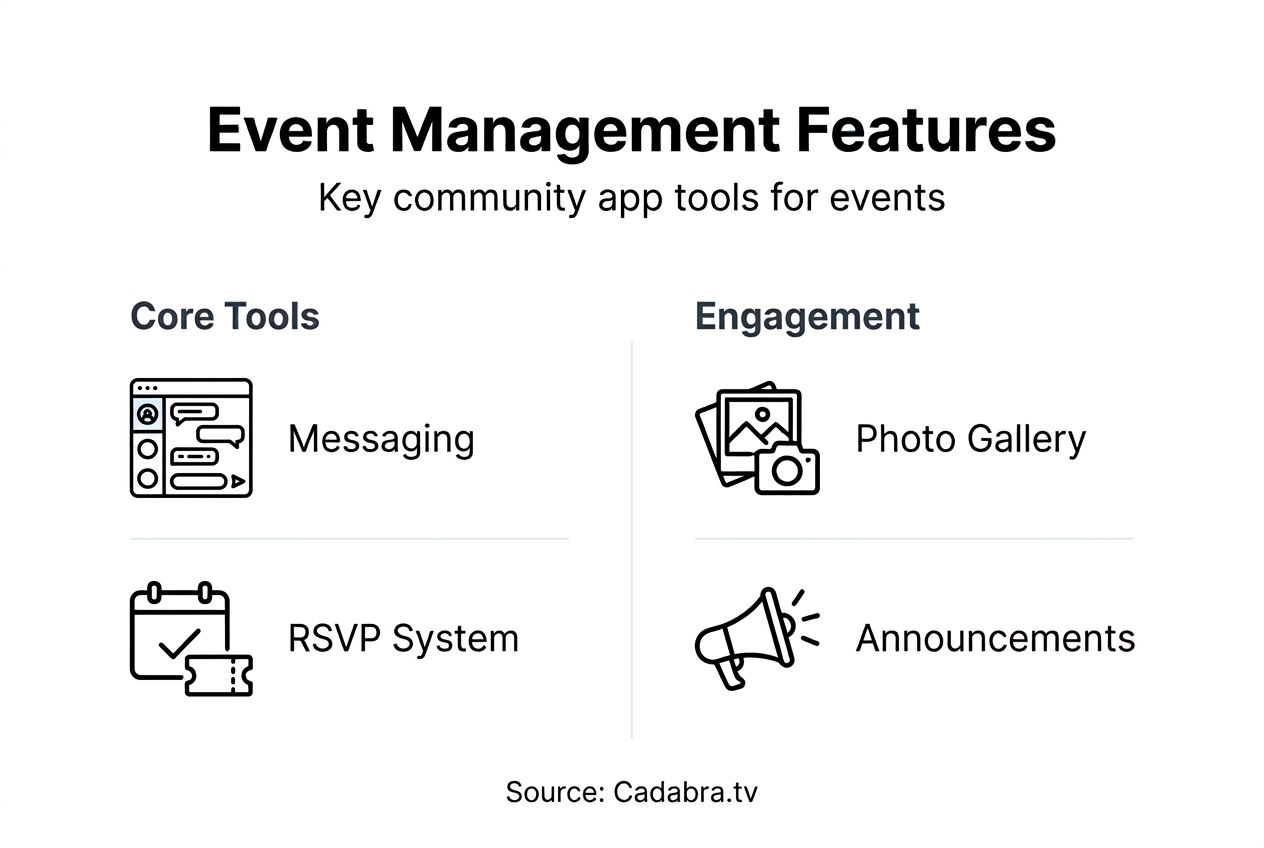
Consider a local bookstore that launched a community event management app to coordinate monthly author readings. Before the app, they relied on Facebook posts and email newsletters that reached only a fraction of interested customers. After implementing push notifications and integrated RSVPs, they saw event attendance jump 40% within three months. The app also created ongoing engagement through book club discussions and member recommendations between events.
Social engagement features build stronger community bonds beyond individual events. Photo galleries from past gatherings create shared memories and encourage participation in future activities. Discussion forums let members connect over common interests, forming relationships that keep them active in the community. Member directories facilitate networking, turning casual attendees into a tight-knit group that supports each other personally and professionally.
The sustained engagement matters more than single event turnout. Apps that maintain active daily or weekly interaction see significantly higher participation rates when events are announced. Members who feel connected to the community through regular app use are three times more likely to attend gatherings and volunteer for organizing roles.
Practical applications that drive results:
- Automated event reminders sent 24 hours and 1 hour before start times
- RSVP tracking with waitlist management for capacity-limited events
- Photo sharing from events to build community memory and excitement
- Post-event surveys to gather feedback and improve future gatherings
- Member achievement recognition to celebrate active participants
Common misconceptions about community apps and no-code platforms
Many still believe coding skills are essential for app creation despite overwhelming evidence that no-code platforms democratize development. This myth persists partly because traditional tech narratives emphasized programming expertise. Modern platforms prove anyone can build functional apps through visual interfaces and guided workflows, with successful community apps created by teachers, small business owners, and retirees with zero technical background.
Another widespread misconception claims no-code apps lack customization options and produce cookie-cutter results. Today's platforms offer extensive design flexibility, custom branding, unique feature combinations, and AI-assisted personalization. Users can modify colors, fonts, layouts, and functionality to match their exact vision. Advanced platforms even allow custom code injection for specialized features while maintaining the no-code foundation for core functions.
Security and privacy concerns top the list of objections, with skeptics questioning whether no-code platforms can protect sensitive user data. Reputable platforms include enterprise-grade security features like encrypted data transmission, secure authentication, role-based access controls, and compliance with privacy regulations like GDPR and CCPA. Many no-code providers actually offer better security than custom-coded apps because they maintain dedicated security teams and automatic updates.
Pro Tip: Always review security features and privacy policies before launching your app, and configure user permissions appropriately to protect member data and maintain trust.
Debunking the most persistent myths:
- Myth: No-code means limited functionality. Reality: Modern platforms support complex features including payments, analytics, and third-party integrations.
- Myth: Apps built without code perform poorly. Reality: No-code platforms use optimized frameworks that often outperform amateur custom code.
- Myth: You cannot scale no-code apps. Reality: Major platforms support thousands of concurrent users with automatic scaling.
- Myth: No-code apps look generic. Reality: Extensive customization options enable unique branding and design.
Comparative frameworks for evaluating community app tools
Selecting the right platform requires understanding trade-offs between ease of use, customization depth, and deployment speed. AI-powered no-code platforms reduce launch time by 50% compared with traditional no-code options, making them ideal for quick market testing and iterative development.
| Platform | AI Capabilities | Deployment Speed | Customization | Best For |
|---|---|---|---|---|
| Cadabra.tv | Text prompt app generation, AI design assistance | Direct to app stores in days | Moderate with AI guidance | Quick launches, non-technical users |
| Bubble | Limited AI, plugin marketplace | Weeks to months | Extensive, code-level control | Complex workflows, technical flexibility |
| Glide | Basic AI, spreadsheet-based | Hours to days | Limited, template-driven | Rapid prototypes, simple apps |
| Adalo | Moderate AI features | Days to weeks | Good, component library | Balanced ease and customization |
Cadabra platform features shine for users who want to describe their app vision in plain language and let AI handle technical implementation. The direct publishing to Google Play Store and Apple App Store eliminates the complexity of developer accounts and submission processes. This approach works best for community organizers focused on launching quickly rather than building highly specialized features.
Bubble provides the deepest customization through its visual programming interface and extensive plugin ecosystem. Users comfortable with logical workflows can create sophisticated social engagement apps with custom databases, complex user permissions, and unique feature combinations. The learning curve is steeper, but the flexibility rewards those willing to invest time mastering the platform.
Glide enables the fastest prototyping by turning Google Sheets into mobile apps within hours. This spreadsheet-based approach feels familiar to anyone who has used Excel, making it incredibly accessible. However, the simplicity limits scalability and advanced features, positioning Glide as ideal for testing concepts before committing to more robust platforms.
Factors to consider when choosing your platform:
- Technical comfort level and willingness to learn new interfaces
- Timeline constraints for launching your community app
- Budget for monthly platform fees and potential add-ons
- Required features like payments, analytics, or third-party integrations
- Expected user base size and growth projections
Building community apps using no-code: step-by-step guide
Successful community app development follows a proven framework that prioritizes user needs and iterative improvement. A structured approach achieves a 95% success rate by preventing common pitfalls like feature bloat and poor user experience.
-
Define your target community and core problem. Identify the specific group you serve, whether a neighborhood, hobby club, or business network. Clarify the main pain point your app solves, such as scattered communication or poor event turnout.
-
List essential features based on user needs. Start minimal with must-have functions like messaging and event RSVPs. Resist the temptation to include every possible feature, which overwhelms users and complicates development.
-
Select a no-code platform matching your skill level and requirements. Evaluate options based on the comparative framework above, considering AI capabilities, customization needs, and budget constraints. Cadabra no-code app builder works well for beginners seeking AI assistance.
-
Build your app using templates or AI prompts. Leverage pre-built designs to accelerate development, then customize branding, colors, and layouts to match your community identity. Test each feature thoroughly before adding the next.
-
Deploy to app stores or web and recruit initial users. Start with a small group of enthusiastic community members who can provide honest feedback. Invite them through existing communication channels with clear explanations of the app's benefits.
-
Collect user feedback and iterate continuously. Monitor which features get used most, where users struggle, and what additional capabilities they request. Implement improvements in small batches to maintain stability while evolving the app.
The iterative approach prevents wasted effort on features users do not want while ensuring the app evolves with community needs. Plan to spend the first three months gathering feedback and refining rather than pursuing perfection before launch. Real-world usage reveals insights impossible to predict during development.
Explore no-code community app building with Cadabra
Ready to create your own community app without writing code? Cadabra.tv simplifies the entire process through AI-powered text prompts that transform your vision into functional applications. Describe what you want in plain language, and the platform generates layouts, suggests features, and creates designs automatically.
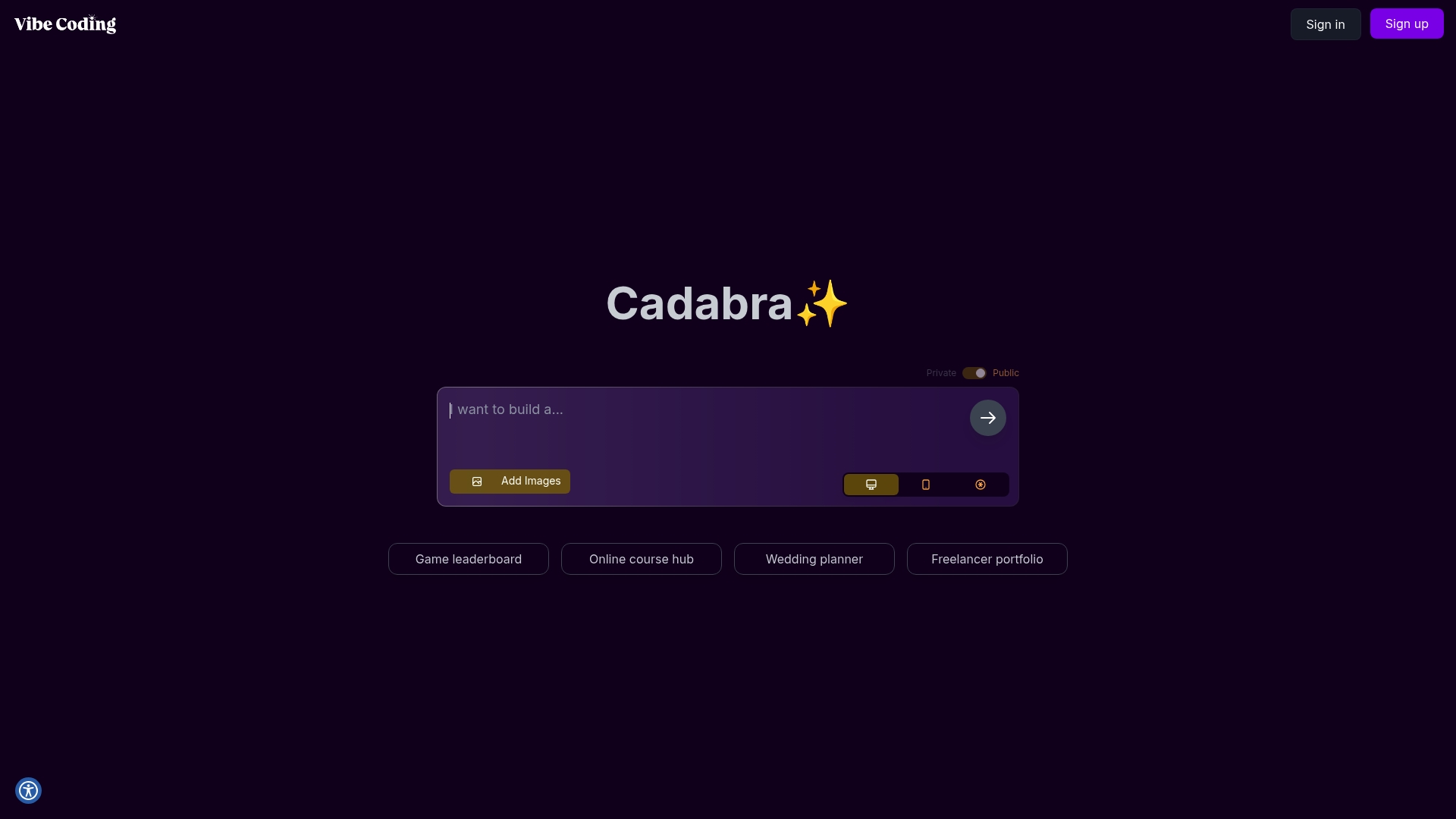
Direct publishing to Google Play Store and Apple App Store eliminates the technical headaches of developer accounts and submission requirements. Cadabra platform handles the complex backend while you focus on serving your community and growing engagement. The user-friendly interface welcomes small business owners and individuals with zero technical background, making professional-quality apps accessible to everyone.
Built-in feedback features let you gather user input and iterate quickly based on real community needs. This continuous improvement cycle ensures your app evolves alongside your group, maintaining relevance and high engagement over time. Start building today with no-code app builder Cadabra and transform how your community connects and organizes events.
Frequently asked questions
What is a community app?
A community app is a digital platform designed to connect members of a specific local group, neighborhood, or special interest community. These apps facilitate real-time communication through messaging, coordinate events with RSVP systems, and share updates via social feeds. Unlike broad social networks, community apps focus on defined groups with shared geography or interests, creating stronger bonds and more meaningful engagement among members.
Can I create a community app without coding skills?
Yes, modern no-code platforms enable anyone to build fully functional community apps using visual drag-and-drop interfaces and AI assistance. Platforms like Cadabra.tv use text prompts where you describe your vision in plain language, and the system generates the app structure automatically. No previous programming knowledge or technical training is required to create, customize, and publish professional-quality applications.
What features should a community app have for event management?
Essential event management features include event calendars with RSVP tracking, automated push notifications for reminders, real-time messaging for updates, and social feeds for sharing event photos. Additional valuable features are waitlist management for capacity-limited events, post-event surveys for feedback, and member directories to facilitate networking. These tools work together to increase attendance, streamline coordination, and build stronger community connections beyond individual gatherings.
How do no-code platforms speed up app development?
No-code platforms use drag-and-drop interfaces and AI automation to eliminate manual coding work, reducing typical development timelines by up to 80%. Visual builders let users assemble apps from pre-built components while AI suggests optimal layouts and feature configurations based on best practices. This approach transforms projects that traditionally took months into efforts completed in days or weeks, with significantly lower costs than custom development.
How secure are no-code community apps?
Reputable no-code platforms include enterprise-grade security features like encrypted data transmission, secure user authentication, role-based access controls, and automatic compliance with privacy regulations. Most platforms maintain dedicated security teams and push automatic updates to address vulnerabilities, often providing better protection than amateur custom-coded apps. Users should review platform security policies and properly configure privacy settings to ensure member data stays protected and maintains community trust.