

You launch a promising app, but users abandon it within weeks. You suspect issues exist, but sparse, biased feedback leaves you guessing. Without a systematic feedback collection process, small business owners waste time on wrong fixes while competitors who master user insights pull ahead. This guide delivers a proven, step-by-step framework to gather actionable feedback that drives real improvements and boosts retention.
Table of Contents
- Introduction To User Feedback Collection Process
- Prerequisites For Effective Feedback Collection
- Step-By-Step Feedback Collection Methods And Sequencing
- Common Mistakes And How To Avoid Them
- Expected Outcomes And How To Measure Success
- Alternative Feedback Collection Approaches And Tradeoffs
- How Cadabra Can Simplify Your User Feedback Process
- FAQ
Key takeaways
| Point | Details | |-------|---------|| | User feedback drives retention | Systematic feedback collection improves user experience and reduces churn by 10-15%. | | Timing and tools matter | In-app surveys boost response rates 25% compared to external methods. | | Multichannel approach wins | Combining surveys, interviews, and social listening yields richer, more balanced insights. | | Close the feedback loop | Updating users on implemented changes increases trust by 25% and future participation by 20%. | | Avoid common pitfalls | Poor timing, vague questions, and ignoring feedback loops kill response quality and rates. |
Introduction to user feedback collection process
User feedback collection is the systematic process of gathering opinions, experiences, and suggestions from people using your web or mobile app. For small businesses, this process transforms guesswork into data-driven decisions that directly impact product success and user retention.
Why does collecting user feedback matter so much? Because your assumptions about user needs rarely match reality. Users experience friction points you never anticipated, desire features you overlooked, and abandon apps for reasons you can't see without asking. In-app feedback has higher response rates and better relevance than external surveys due to real-time context capture.
Common challenges plague feedback collection efforts:
- Low response rates when surveys feel intrusive or poorly timed
- Biased feedback from only extremely satisfied or frustrated users
- Survey fatigue from overly frequent or lengthy requests
- Difficulty extracting actionable insights from unstructured responses
- Resource constraints limiting sophisticated feedback tools
Yet opportunities abound for businesses that nail the process. Real-time, contextual feedback captured at critical user journey moments reveals genuine pain points. Mobile apps especially benefit since 85% of mobile users prefer apps over mobile websites, creating concentrated feedback opportunities. When you implement systematic collection, you turn scattered opinions into a competitive advantage that reduces churn and accelerates product-market fit.
Prerequisites for effective feedback collection
Before launching feedback requests, assemble the right foundation. Success requires specific tools, deep user understanding, and crystal-clear goals aligned with business outcomes.
Start with essential tools matched to your budget and technical capabilities. Small businesses can start effective feedback collection with basic in-app survey tools costing under $20/month. Key tool categories include:
- In-app survey platforms that trigger contextual questions at specific user actions
- Email survey tools for post-interaction or periodic feedback campaigns
- Prototype testing software to validate designs before full development
- Analytics platforms that identify where users struggle or abandon flows
- Social listening tools to monitor unsolicited feedback across channels
Next, understand your user segments and map their journeys. Different user types provide different insights. New users reveal onboarding friction, while power users identify advanced feature gaps. Journey mapping shows critical moments where feedback yields maximum value, such as after completing core actions or before abandoning tasks.
Set clear, actionable feedback goals tied to business metrics. Vague goals like "improve the app" waste time. Specific goals like "identify top three onboarding friction points causing 40% week-one churn" drive focused collection and faster improvements. Link feedback objectives to measurable outcomes: reduced support tickets, higher feature adoption rates, improved app store ratings, or lower cancellation rates.
| Tool Type | Cost Range | Best For | Integration Ease |
|---|---|---|---|
| In-app surveys | $0-50/month | Real-time contextual feedback | High for web/mobile |
| Email platforms | $0-30/month | Detailed post-interaction insights | Medium |
| Prototype testing | $50-200/month | Pre-launch validation | Low to medium |
| Social listening | $20-100/month | Unsolicited sentiment tracking | Medium |
Pro Tip: Choose tools with native mobile SDK support and web widget options so you collect consistent feedback across platforms without duplicating effort. Prioritize platforms offering sentiment analysis automation to speed insight extraction as your feedback volume grows.
Step-by-step feedback collection methods and sequencing
Execute feedback collection systematically by following this proven sequence that maximizes participation and data quality.
-
Define precise feedback goals linked to user journey moments. Identify where users experience friction, abandon tasks, or need guidance. Goals might include understanding why users skip a key feature, what causes checkout abandonment, or how new users perceive onboarding complexity.
-
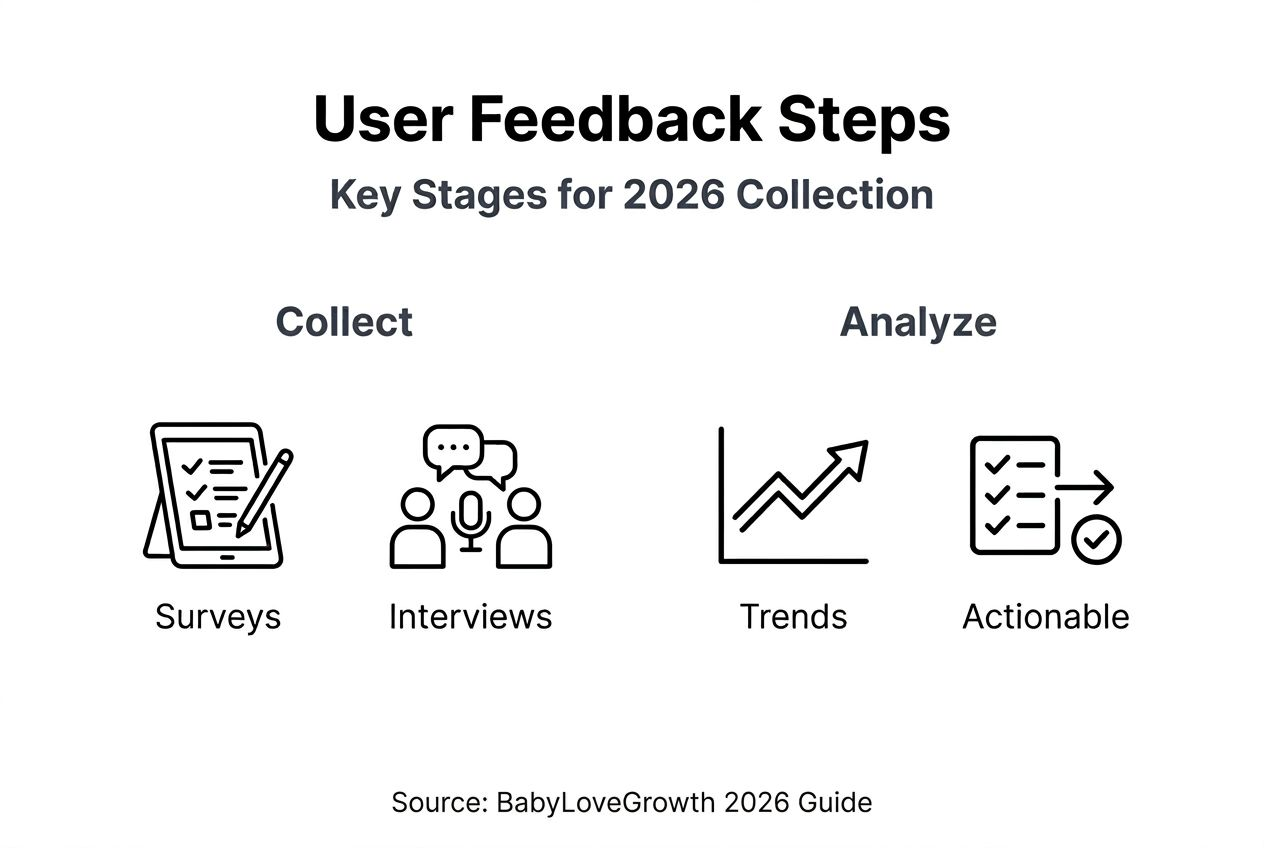
Select multichannel feedback tools matching your goals and budget. Combine in-app surveys for immediate context, email surveys for deeper exploration, user interviews for qualitative richness, and social listening for unsolicited sentiment. In-app surveys can increase response rates by over 25% compared to external surveys because they capture users while engaged.
-
Implement prototype testing pre-launch to catch issues early. Test wireframes and mockups with target users before full development. This prevents expensive post-launch fixes and validates assumptions cheaply. Use tools like UsabilityHub or Maze for quick, affordable prototype feedback.
-
Automate feedback analysis with AI for faster insights. Automatically analyzing feedback with AI sentiment tools speeds up actionable insight extraction and reduces manual effort. Sentiment analysis categorizes responses as positive, negative, or neutral, while text analysis identifies recurring themes without reading every response.
-
Regularly analyze and prioritize actionable feedback. Schedule weekly or biweekly review sessions to categorize feedback by theme, severity, and frequency. Prioritize issues affecting the most users or causing the highest friction. Not every suggestion deserves implementation, focus on changes delivering maximum impact.
-
Close the feedback loop by updating users on changes. When you implement feedback-driven improvements, notify the users who provided input. This simple step builds trust, encourages future participation, and demonstrates you value their opinions.
Pro Tip: Time feedback requests to immediately follow key user actions rather than interrupting active tasks. Request onboarding feedback right after tutorial completion, feature feedback after first use, and general satisfaction feedback when users naturally pause or prepare to exit. This timing improves response quality and reduces annoyance.
In-app surveys increase response rates by over 25% because they capture users while context is fresh and engagement is high.
Sequence matters as much as method. Start broad with quantitative surveys to identify problem areas, then drill deep with qualitative interviews to understand root causes. Test solutions through prototype feedback before full development. This sequence prevents wasting resources on misunderstood problems or ineffective solutions.

Common mistakes and how to avoid them
Even well-intentioned feedback efforts fail when you repeat these frequent errors. Recognize and remedy these pitfalls to maximize data quality and participation rates.
Feedback bias occurs when only extremely satisfied or dissatisfied users respond, skewing data. Avoid this by sampling diverse user segments randomly rather than waiting for voluntary responses. Trigger surveys to representative samples across satisfaction levels, usage patterns, and demographics. Combine solicited and unsolicited feedback to balance perspectives.
Poor timing tanks response rates and data quality. Interrupting users mid-task frustrates them and yields rushed, low-quality answers. Avoid surveying during critical workflows like checkout or content creation. Instead, request feedback after task completion or during natural pauses. Match question depth to user attention, brief surveys work everywhere, but detailed questionnaires require dedicated time.
Vague questions produce useless answers. "How can we improve?" overwhelms users and yields generic responses. Ask specific, actionable questions like "What prevented you from completing your profile setup?" or "Rate the clarity of our pricing page from 1 to 5." Specific questions generate specific, implementable insights.
Ignoring feedback loop closure results in 40% lower future participation rates. When users see their feedback disappear into a void, they stop responding. Always acknowledge receipt, share what you learned, and announce implemented changes. This builds trust and signals their time was valued.
Low participation stems from survey fatigue or lack of incentives. Bombarding users with frequent surveys trains them to ignore all requests. Limit feedback requests to critical moments and keep surveys under two minutes. When deeper input is needed, offer incentives like feature access, account credits, or prize drawings.
Pro Tip: Personalize feedback requests by referencing specific user actions or patterns. "We noticed you used the export feature three times this week. How can we make exporting easier?" feels relevant and respectful, dramatically boosting response likelihood compared to generic blasts.
Expected outcomes and how to measure success
Understand realistic benchmarks and track key metrics to validate your feedback process effectiveness and justify continued investment.
Typical response rate benchmarks vary by method. In-app surveys achieve 20-30% response rates when well-timed and brief. Email surveys average 10-15%. User interviews require proactive recruiting but deliver 100% response from participants. Aim for at least 20% overall response rates across channels. Lower rates signal timing issues, survey fatigue, or poor targeting.
Target at least 50% actionable feedback from responses. Actionable means specific enough to inform product decisions, not vague complaints or generic praise. If most feedback lacks specificity, your questions need refinement. High actionable percentages indicate well-designed surveys capturing genuine insights.
Expect measurable impact on user retention and satisfaction. Implementing feedback-driven improvements typically reduces churn by 10-15% within three months. App store ratings often improve by 0.3-0.5 stars. Support ticket volume decreases as you address common pain points proactively.
Closing feedback loops increases user trust scores by up to 25% and participation rates by 20%. Users who see their suggestions implemented become advocates, provide more feedback, and stick around longer. This compounds over time as your most engaged users fuel continuous improvement cycles.
| Metric | Target Benchmark | What It Signals |
|---|---|---|
| Response rate | 20-30% for in-app surveys | Timing, relevance, and survey length effectiveness |
| Actionable feedback | 50%+ of responses | Question quality and targeting precision |
| Churn reduction | 10-15% within 3 months | Impact of implemented improvements |
| Trust score increase | 15-25% after closing loops | User confidence in feedback value |
| Repeat participation | 20%+ boost after acknowledgment | Relationship strength and perceived responsiveness |
Track these metrics monthly to spot trends early. Declining response rates warn of survey fatigue. Rising actionable percentages confirm improving question design. Stable or improving churn validates that feedback drives real product improvements.
Closing the feedback loop transforms one-time responders into ongoing collaborators who trust their voices matter and actively shape your product's evolution.
Successful feedback collection creates visible momentum. Users mention appreciating recent changes in reviews. Feature requests align more closely with actual usage patterns. Support conversations shift from complaints to constructive suggestions. These qualitative signals confirm quantitative metrics and validate your systematic approach.
Alternative feedback collection approaches and tradeoffs
Multiple feedback methods exist beyond standard surveys. Understanding alternatives helps you choose the best fit for your resources, goals, and user base.
Usability testing observes users attempting specific tasks while thinking aloud. This reveals friction points surveys miss because users often can't articulate subconscious struggles. Usability testing provides deep qualitative insights but requires recruiting participants, scheduling sessions, and analyzing recordings. Cost runs $50-200 per session for moderated testing, though unmoderated tools reduce this. Best for identifying specific workflow issues or validating major design changes.
User interviews deliver rich, contextual understanding through open-ended conversations. Interviews uncover motivations, emotions, and use cases surveys never surface. However, they demand significant time investment, typically one hour per interview plus analysis. Best for exploring why users behave certain ways or discovering unexpected use cases.
Manual feedback analysis versus AI-assisted categorization presents clear tradeoffs. Manual analysis provides nuanced understanding and catches subtleties algorithms miss. AI categorization processes thousands of responses instantly, identifying themes humans would need days to extract. For small feedback volumes under 50 responses monthly, manual analysis suffices and costs nothing. Above 100 monthly responses, AI tools justify their $20-50/month cost through time savings.
| Method | Cost | Depth | Speed | Best For |
|---|---|---|---|---|
| Surveys | Low ($0-50/mo) | Medium | Fast | Quantifying known issues |
| Usability testing | Medium ($50-200/session) | High | Slow | Identifying hidden friction |
| User interviews | Medium (time-intensive) | Very high | Slow | Understanding motivations |
| Social listening | Low ($20-100/mo) | Medium | Fast | Tracking unsolicited sentiment |
| AI analysis | Low ($20-50/mo) | Medium | Very fast | Processing high volumes |
Resource-limited small businesses should start simple. Begin with free in-app survey tools and manual analysis for the first three months. Once feedback volume justifies automation and you've validated the process, invest in AI categorization. Save usability testing and interviews for major feature launches or pivots rather than routine collection.
Combine methods strategically. Use surveys to quantify problem prevalence, then conduct interviews with affected users to understand root causes deeply. Test proposed solutions through prototype feedback before full development. This layered approach balances cost, speed, and insight depth.
Choose simpler methods when starting. Complexity kills momentum. A consistent, simple survey process beats sporadic, sophisticated efforts. Build feedback habits first, then expand methods as your capacity and needs grow.
How Cadabra can simplify your user feedback process
Collecting and analyzing user feedback becomes effortless when your app development platform handles integration natively. Cadabra streamlines the entire feedback lifecycle for small businesses building web and mobile apps.

Cadabra offers seamless feedback tool integration directly within apps you build through simple text prompts. Connect popular survey platforms, analytics tools, and sentiment analysis services without writing code. Automated sentiment analysis and real-time insights accelerate product improvements by surfacing critical patterns instantly. Focus your energy on acting on feedback rather than wrestling with technical implementation.
Affordable pricing and small business focus align perfectly with resource-conscious entrepreneurs. Build, test, and iterate based on user feedback without expensive developer time or complex tool stacks. Explore how Cadabra transforms feedback collection from technical burden into strategic advantage.
FAQ
What is the best time to collect user feedback in an app?
Collect feedback right after onboarding completion, immediately following first feature use, and before users exit the app. Timing requests to specific user actions improves relevance and response rates significantly. Avoid interrupting active workflows or critical tasks like checkout.
How can small businesses increase user participation in feedback?
Use brief, targeted surveys under two minutes with clear value propositions explaining why input matters. Incentivize participation with account credits, feature previews, or prize drawings. Personalize requests by referencing specific user actions to demonstrate relevance and respect for their time.
What are signs that my feedback collection process is successful?
Look for response rates hitting 20-30% and actionable feedback exceeding 50% of submissions. Reduced churn by 10-15% and improved satisfaction scores after implementing feedback-driven changes confirm effectiveness. Positive user comments mentioning recent improvements and repeated feedback participation signal strong process health.
Should I use manual or AI analysis for feedback?
Start with manual analysis for volumes under 50 monthly responses to deeply understand patterns while keeping costs zero. Switch to AI-assisted categorization above 100 monthly responses when time savings justify the $20-50/month investment. Combine both by using AI for initial categorization and manual review for nuanced insights.
How often should I request feedback from users?
Limit feedback requests to critical moments, no more than once monthly per user for general surveys. Event-triggered requests like post-feature use or after support interactions can occur more frequently since they're contextually relevant. Frequent generic surveys train users to ignore all requests through survey fatigue.